Registration Instructions
Quick Steps to register/create a playmetrics account
To avoid confusion and help make the sign up process smooth, below are some quick steps:
- Once you click the Register button below, you’ll be directed to Playmetrics. If you have an account, you will go straight to the registration form.
- If not, you’ll first be directed to create an account. You will be sent a verification email before your account is created.
- At this point you will create your player’s profile and complete the required fields of the registration form.
- Once completed, click your player’s profile. Under the Profile dropdown at the top, you’ll see Registrations listed. If your child is registered, the event will show there as “Arkansas Forge Tryouts” and the date you signed up.
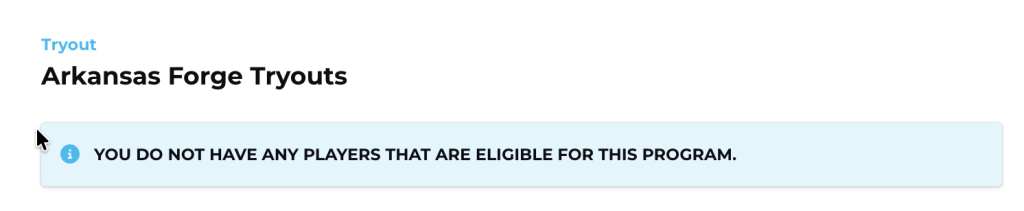
PLEASE NOTE: The message screenshot below is a bit confusing. It only means you do not have any players in the Playmetrics system that are not assigned to this tryout event. It is not an error message!
If you have any issues or questions email us at admin@arforgefc.com